
Facebook algorithm change: what "Your algorithm" means for UK small businesses
Meta's Facebook algorithm change lets people shape their Feed in plain words. Here's what it means for your business page.
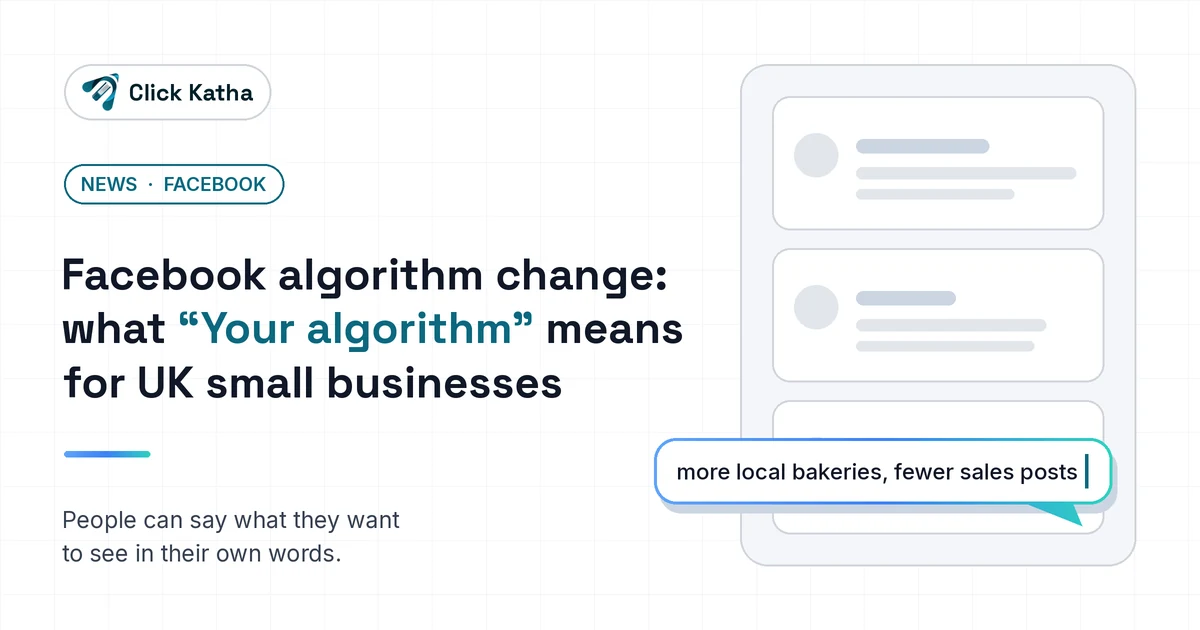
Short answer: On 13 October 2026 Meta announced "Your algorithm", a change to the Facebook algorithm that lets people tell Facebook in their own words what they want more or less of in Feed and Reels. For small businesses, clear single-topic posts in your customers' words matter more, and repeated sales posts are easier to tune out.
On 13 October 2026 Meta announced "Your algorithm" for Facebook. People can now tell Facebook, in their own words, what they want to see more or less of in Feed and Reels, and their recommendations change straight away. If you run a small business, that puts more weight on posts that are clearly about one thing your customers care about.
Here's what Meta has actually said about the new Facebook algorithm, what it means for your page, and four things worth doing this week.
What Meta announced: how the new Facebook algorithm works
Meta's newsroom post sets out three changes.
A place to tell Facebook what you're into. Meta is rolling out a feature called Your algorithm, where people can add and manage the topics they want to see in Feed and Reels. It sits in the three-dot menu.
Feedback in plain words. After someone taps "Interested" or "Not interested" on a post, Facebook may ask follow-up questions about what they liked or disliked. People can answer in their own words, and Meta says their recommendations update in real time.
Language models in the ranking. Until now, Facebook mostly worked out what people liked from what they did: the posts they liked and commented on, what they watched, and thousands of other signals. Meta says large language models can now take in the interests, context and intent behind what people type, and combine that free text with everything Facebook already knows about them.
Meta has also updated the three-dot menu on every post so these settings are easier to reach.
How to reset your Facebook algorithm: what you can change now
Plenty of people search for how to reset the Facebook algorithm. Meta hasn't described a single reset button. What it has described is more useful day to day:
Open Your algorithm from the three-dot menu and add or remove the topics you want in Feed and Reels.
Tap "Interested" or "Not interested" on posts. Facebook may then ask what you liked or disliked, and you can answer in your own words.
Expect changes quickly. Meta says recommendations update in real time once you give feedback.
Your customers have exactly the same controls, which is why the next sections matter for your page.
What Meta hasn't said
Meta hasn't said how quickly this reaches every account in the UK, or how much weight these new signals carry against everything else Facebook uses. It hasn't published any figures on Page reach either. So treat anyone who tells you exactly how your reach will change with some caution, including us.
What the Facebook algorithm change means for business pages
Before, Facebook had to guess. Now a customer can say "more local food spots" or "less salesy stuff" and Facebook will try to act on it. Two things follow from that.
First, a post that is plainly about one topic a customer would name is easier to match to someone who asked for that topic. A bakery post about wedding cakes, written in the words people use when they look for wedding cakes, gives Facebook something clear to work with.
Second, people now have a quick, specific way to ask for less of something. If your page repeats the same promotional post every few days, a follower no longer has to unfollow you to see less of it. They can just tell Facebook.
Neither of these is a reason to panic. They are a reason to make each post easier to understand at a glance.
Four things to do this week
1. Write down the words your customers use
List three phrases a customer would use to describe what you do. "Wedding cakes in Farnborough" works. "Quality bakes" doesn't, because nobody types that when they're looking for anything. Use those phrases, naturally, in the first line of your posts.
2. Give every post one clear subject
A post that mixes a news update, a discount and "happy Friday, everyone" is hard to match to anything. Split them up. One post, one topic, said plainly near the start.
3. Swap some sales posts for useful ones
Try replacing one in three straight sales posts with something people would actually want more of: a quick tip, a before-and-after, or a short answer to a question customers often ask you. These give people a reason to tap "Interested" rather than "Not interested".
4. Note your reach today
Open Meta Business Suite and write down your current Facebook reach and engagement. In four weeks, look again. Your own numbers will tell you far more than any prediction about how this change plays out.
Where this fits with the rest of your marketing
Facebook is one channel. The same habit that helps here, describing what you do in the words your customers use, also helps your website and your Google Business Profile. If you'd like help, our social media services, SEO services, local SEO and content strategy cover the bigger picture for small businesses. For another recent change worth knowing about, see our post on Grok Voice 3.0 for small businesses.
Facebook algorithm FAQs
How does the Facebook algorithm work?
According to Meta, Facebook's ranking systems work out what you're into from what you engage with, such as the posts you like and comment on and what you watch, among thousands of other signals. Large language models now also take in what people type about their interests.
Can you reset your Facebook algorithm?
Meta's 13 October announcement doesn't describe a full reset. It describes adding and managing topics in Your algorithm, and giving feedback after tapping "Interested" or "Not interested", with recommendations updating in real time.
What is the Facebook algorithm change in October 2026?
Meta is rolling out Your algorithm, a space in the three-dot menu where people add the topics they want in Feed and Reels, plus follow-up questions after feedback on posts.
Does the change affect Facebook Pages' reach?
Meta hasn't published any figures on Page reach. Note your own reach in Meta Business Suite now and compare it in four weeks.
Want a second pair of eyes on your Facebook page? Get in touch with Click Katha and we'll take a look.